

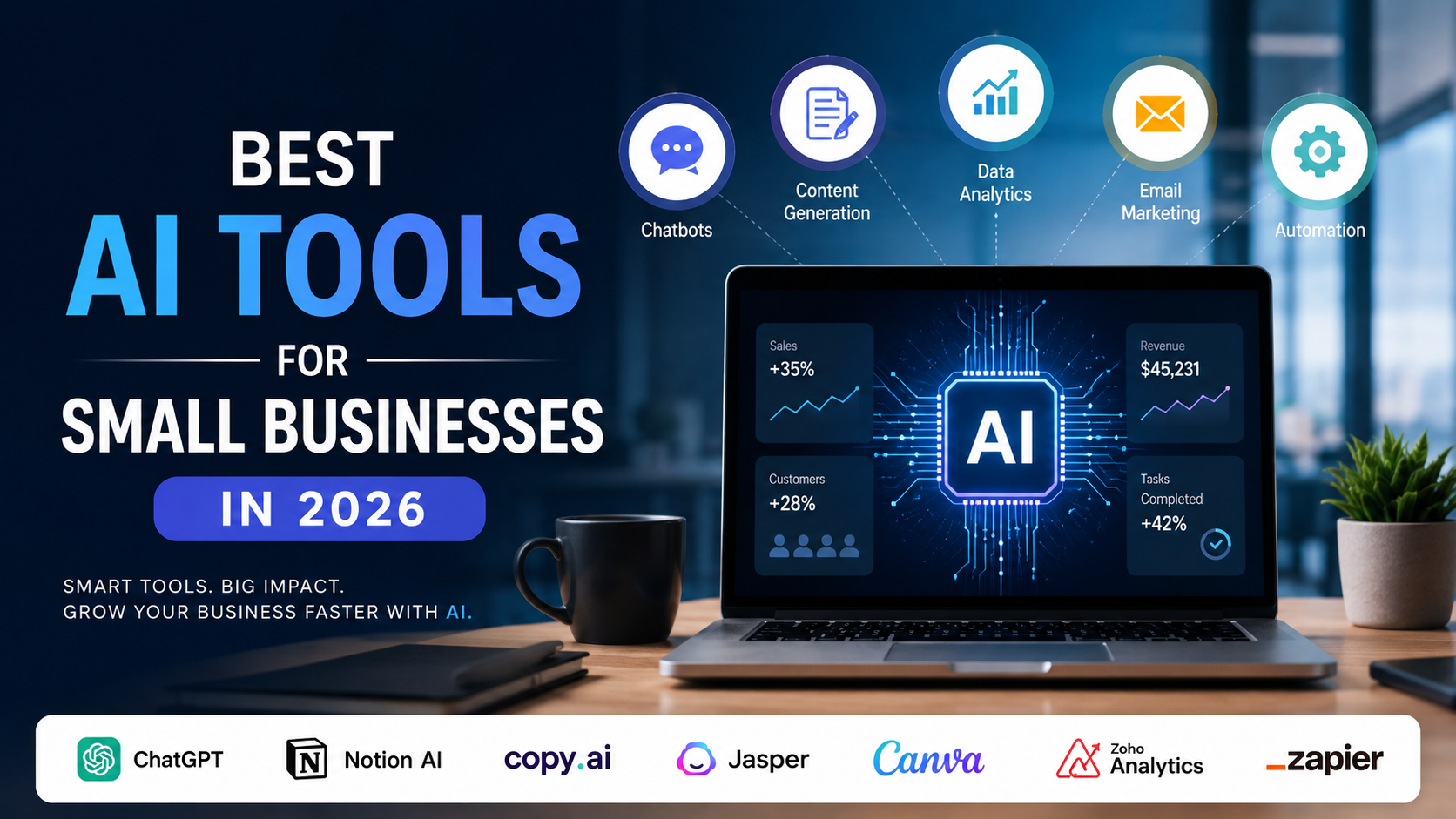
Discover the best AI tools for small businessesbest AI tools for small businesses in 2026 to automate tasks, boost productivity, improve marketing, save time, and grow your business.
Small businesses no longer need a large technology budget—or a dedicated data-science team—to use artificial intelligence. In 2026, the more important question is not whether a company should “try AI,” but which business process is worth improving first and which tool can do so safely.
The market has moved quickly. Almost 60% of U.S. small businesses reported using AI for business operations in the U.S. Chamber of Commerce’s 2025 survey, more than double the share reported in 2023. A transaction-based JPMorganChase Institute study, covering 4.6 million firms and paid AI services from 2019 through 2025, found that newer businesses adopted AI much faster: the 2025 cohort reached a 10% adoption rate in approximately six months, compared with more than six years for the 2019 cohort.
That momentum creates opportunity, but it also creates noise. The best AI tool for a five-person design studio is unlikely to be the best tool for a contractor, online retailer, accounting practice, or local clinic. This guide therefore ranks tools by job to be done, not by hype.
1. ChatGPT Business: best overall for a lean team
For most small businesses, a general-purpose assistant is the most flexible first purchase. ChatGPT Business is designed as a shared workspace rather than only an individual chatbot. OpenAI currently lists standard and premium seat types, connectors to services such as Google Workspace, Slack, GitHub, and Microsoft 365, centralized administration, usage analytics, spend controls, multi-factor authentication, and workspace agents. OpenAI also states that business data is not used for model training by default.
The practical advantage is breadth. A small team can use one workspace to draft a proposal, summarize a customer interview, analyze a spreadsheet, create a first-pass job description, turn meeting notes into tasks, or develop a repeatable internal assistant. The tool is particularly useful when the business has many small information tasks but not enough volume to justify specialized software for each one.
The limitation is equally important: a general assistant does not automatically understand the company’s policies, pricing, or risk tolerance. Give it approved reference material, define what it may and may not do, and require human review for external communications, financial analysis, legal language, hiring decisions, and customer commitments.
Best starting workflow: create a reusable “business context” document containing the company description, target customer, tone of voice, products, prohibited claims, and escalation rules. Use it as the foundation for prompts and custom workflows.
2. Canva AI: best for marketing without a design department
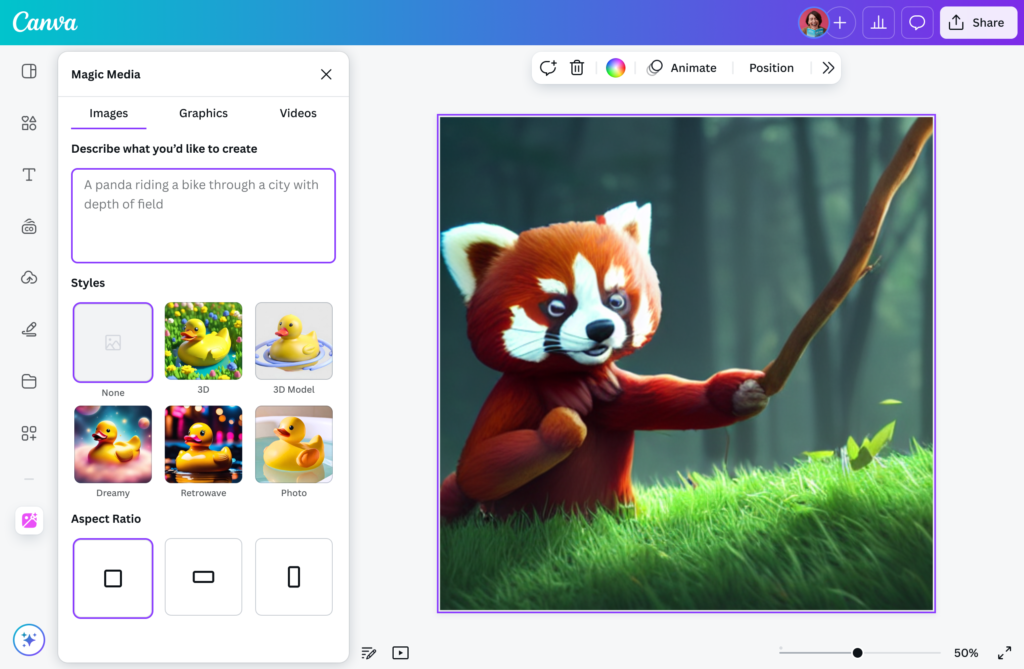
Canva AI is the strongest choice for small companies that need a steady stream of competent visual content. Its AI features support editable layouts, image and video generation, AI-powered templates and elements, photo editing, Magic Write, brand-aware generation, and other design tasks inside the editor. Canva AI 2.0 also describes conversational creation, connected-tool context, web research, and scheduled tasks, although some of those capabilities may be labeled as coming soon or may depend on rollout and plan.
This matters because small businesses rarely need one spectacular campaign; they need dozens of usable assets. A restaurant may need a weekly menu graphic, a service business may need educational posts, and a founder may need a credible presentation for a partner meeting. Canva can reduce the friction between an idea and an editable, on-brand deliverable.
Canva’s own safety guidance should shape how businesses use the product. Users remain responsible for reviewing generated work, ensuring they have rights to uploaded images, and understanding that copyright protection for AI-created content varies by jurisdiction. Canva also recommends transparency when sharing AI-assisted content.
Best starting workflow: build a small brand kit and five approved templates before generating anything at scale. AI is much more useful when it fills a controlled system than when every employee invents a new visual style.
3. Zapier: best for turning AI into an operating process
Chatbots are useful, but the largest operational benefit often comes from connecting AI to the tools a business already uses. Zapier’s current AI offering spans workflows, agents, and customer chatbots. The company describes connections to more than 9,000 apps and 30,000 actions, together with authentication, retries, rate-limit handling, and governance controls.
A small company can use Zapier to classify inbound leads, summarize a form submission, route a support request, create a task from an email, update a CRM record, or notify a salesperson when an opportunity meets defined criteria. The key is not to ask AI to “run the business.” It is to give AI a bounded step inside a workflow with clear inputs, outputs, and permissions.
Automation introduces its own risks. A wrong answer in a draft is inconvenient; a wrong answer that automatically changes a customer record or sends an email can be expensive. Start with workflows that produce a review queue rather than taking irreversible actions. Add approvals, logging, and exception handling before moving to unattended execution.
Best starting workflow: automate one handoff, such as “new website inquiry → summarize → label urgency → create CRM task → alert owner.” Measure the time saved and the percentage of classifications that require correction.
4. HubSpot Breeze: best when the CRM is the center of the business
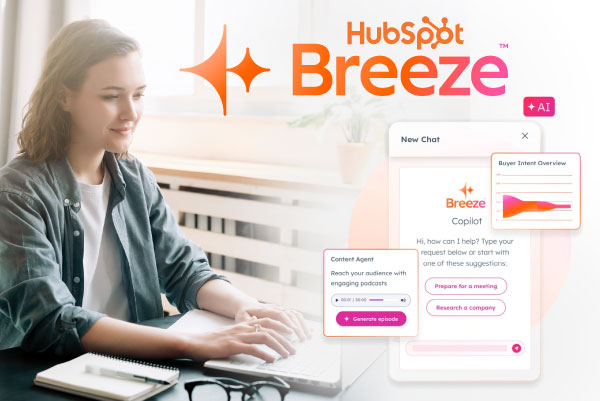
If a small business already runs marketing, sales, and service through HubSpot, Breeze is a logical way to add AI without creating another disconnected workspace. HubSpot describes its Agent Hub as a home for AI agents across marketing, sales, and customer service, using CRM data.
The value of CRM-native AI is context. A system that knows the lead source, previous conversations, lifecycle stage, and assigned owner can be more useful than a standalone assistant that sees only a pasted paragraph. Typical applications include researching prospects, preparing outreach, summarizing records, assisting with content, and supporting customer-service workflows.
The trade-off is platform dependence. Breeze is most compelling when HubSpot already contains clean, current data. If the CRM is incomplete or inconsistently used, AI will make the inconsistency faster rather than fixing it. Establish data ownership and naming conventions first.
5. QuickBooks with Intuit Assist: best for finance administration
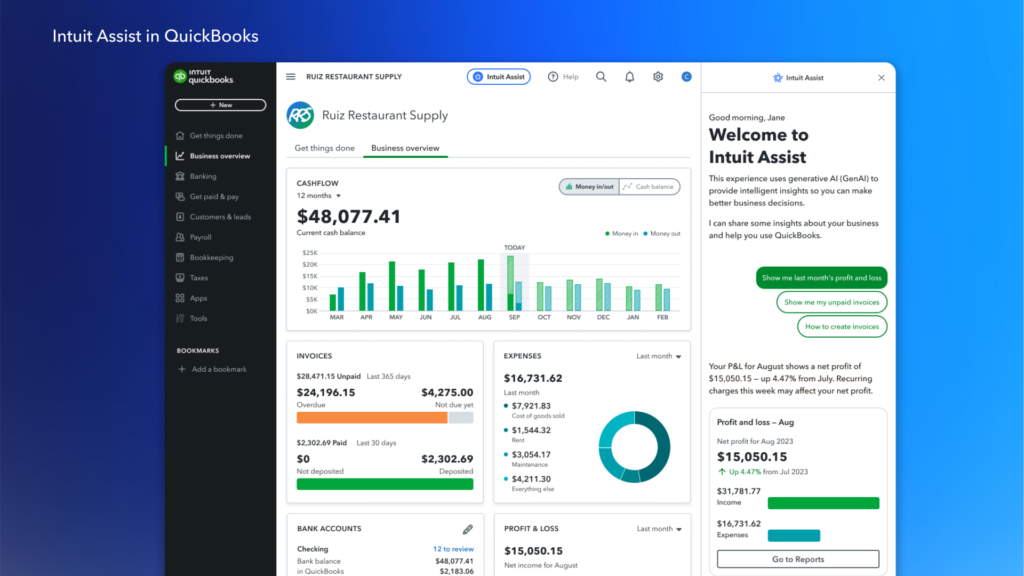
Finance is one of the most practical areas for carefully bounded AI. QuickBooks and Intuit Assist describe capabilities around estimates, invoices, bills, payment reminders, and payment recommendations. These tasks are repetitive, structured, and directly connected to cash flow.
For a small business, a faster invoice reminder or a better-organized transaction review can be more valuable than an impressive marketing experiment. However, finance automation must not be confused with financial judgment. Owners and qualified professionals should review tax treatment, reconciliations, unusual transactions, payroll, lending decisions, and any output that affects statutory reporting.
Best starting workflow: use AI to draft invoice reminders and identify overdue accounts, but require a person to approve the message and recipient list before sending.
6. Microsoft 365 Copilot: best for Microsoft-centered operations
For teams already using Outlook, Word, Excel, PowerPoint, Teams, and SharePoint, Microsoft 365 Copilot can be attractive because it works inside the environment where work already occurs. Microsoft positions its business offering as integrated productivity and security software and publishes separate business pricing by edition and billing term.
The main benefit is reduced switching. An employee can summarize a long email thread, prepare a first draft from existing documents, analyze a workbook, or recap a meeting without copying company data into a separate application. That convenience becomes more valuable as the team’s documents and communication history accumulate.
The main caution is permissions. AI can only be as safe as the access model beneath it. Before rollout, review who can access shared folders, meeting recordings, customer files, and sensitive HR or financial documents. Copilot should not be used as a substitute for information governance.
Worth adding as specialist tools
Claude is a strong alternative for teams that value careful drafting, document analysis, and extended reasoning. It may be a better fit for policy documents, proposals, and nuanced writing, while ChatGPT may be preferable when the team wants a broader set of connectors and workflows. The choice should be based on measured output quality and the team’s existing subscriptions, not brand loyalty.
Perplexity is useful for preliminary research because its product experience emphasizes web-grounded answers and cited sources. It can accelerate a market scan or competitor review, but citations do not eliminate the need to open the underlying source, check its date, and distinguish evidence from interpretation.
Notion AI and Fireflies are useful when the main bottleneck is organizational memory. Meeting summaries, action items, and searchable internal notes can reduce repeated conversations. They also require a clear policy for recording consent, access, retention, and correction of inaccurate summaries.
How to choose the right tool
Start with the process, not the product. List recurring activities that consume employee time, create avoidable errors, or delay revenue. Then score each candidate workflow by frequency, business value, data sensitivity, ease of measuring the result, and reversibility if the AI makes a mistake.
Questions
Is the task repeated often?
It occurs daily or weekly, not once per quarter.
Is the desired output clear?
There is an example of a good email, summary, classification, or record.
Can a person review it?
The workflow has an approval step or a low-risk exception path.
Is the data appropriate for the tool?
The team has checked privacy, retention, access, and vendor terms.
Can success be measured?
The company can track time, errors, response speed, conversion, or cash collection.
Do not buy five tools at once. Choose one workflow, run a two-to-four-week pilot, and compare it with the old process. A tool that saves ten minutes per employee per day may be more valuable than a sophisticated agent that is used only occasionally.
A practical 30-day rollout plan
Week one: select and baseline. Choose one workflow and record its current time, error rate, volume, and owner. Define what the AI is allowed to do and what requires approval.
Week two: configure and test. Create templates, provide approved context, connect only necessary data, and test normal, ambiguous, and adversarial cases. Keep a sample of outputs for comparison.
Week three: run in parallel. Let the AI produce recommendations while the existing process remains in place. Record corrections rather than hiding them; correction patterns show where the workflow or prompt needs improvement.
Week four: decide and document. Continue, revise, or stop based on the evidence. Document the standard operating procedure, data-handling rules, escalation path, and owner responsible for periodic review.
Small-business AI governance checklist
A responsible AI program does not need a hundred-page policy. It needs clear answers to a few operational questions. Which information may employees enter into each tool? Who approves customer-facing content? How are mistakes reported? What decisions may never be delegated? How are access, recordings, prompts, and generated files removed when someone leaves the company?
Keep humans accountable for high-impact decisions involving money, employment, health, safety, legal rights, identity, or access to essential services. Review facts, numbers, names, citations, images, and promises before publication. Do not assume that an AI vendor’s business plan automatically makes every use case compliant with the laws or contracts that apply to your industry.
Bottom line
For most small businesses in 2026, the best starting combination is one general assistant, one workflow tool, and one application-native AI feature inside the system the team already uses. ChatGPT Business is the broadest first choice; Canva AI is the clearest marketing win; Zapier is the strongest bridge from experimentation to repeatable automation; HubSpot Breeze, QuickBooks with Intuit Assist, or Microsoft 365 Copilot become more compelling when they match the company’s existing core system.
The winning strategy is disciplined adoption. Pick a measurable problem, protect sensitive data, keep a human in the loop, and expand only after the first workflow proves its value.