

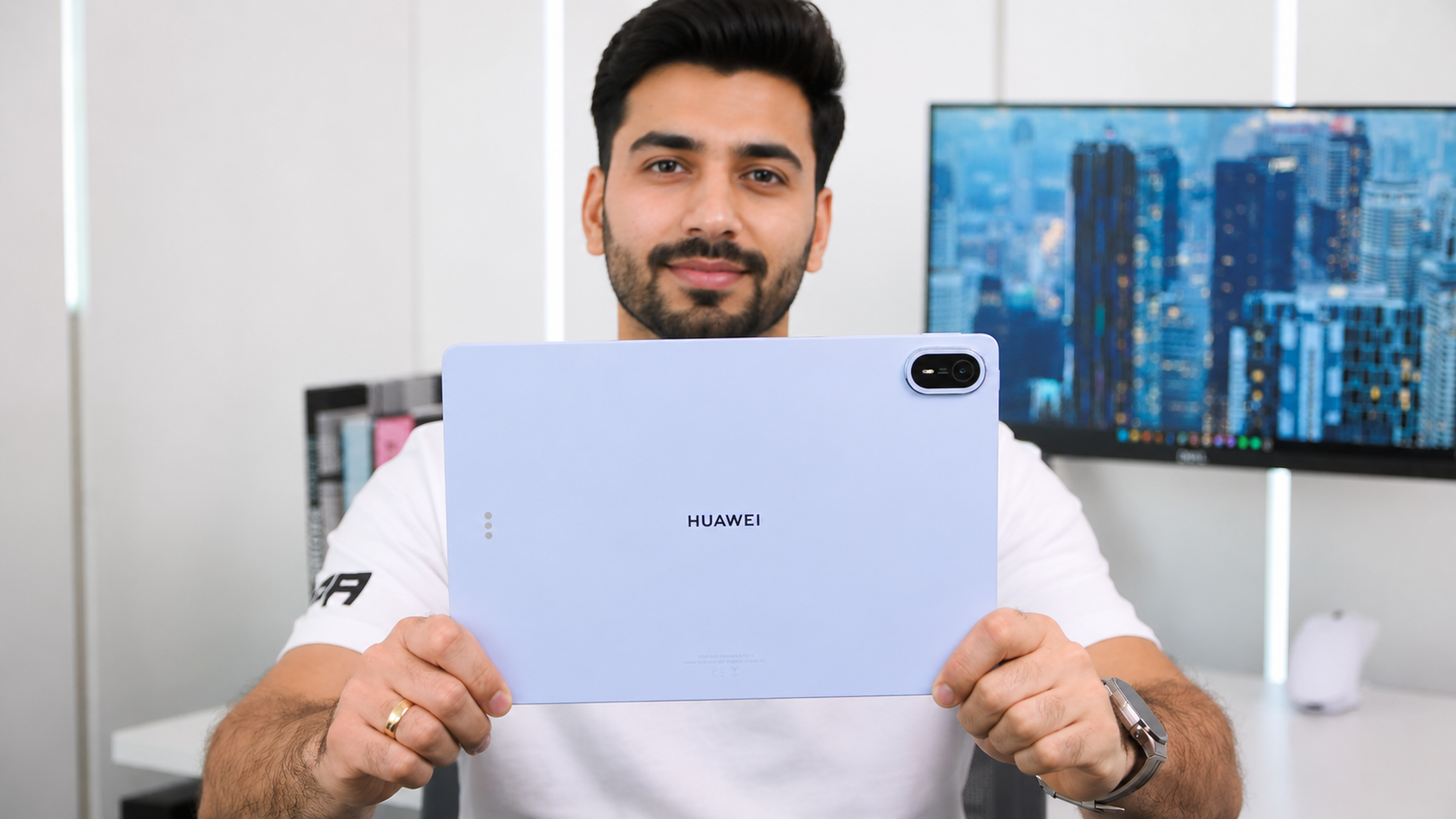
Huawei MatePad Air 2026 Review: A Super-Likable Lightweight Tablet
The tablet market has become increasingly competitive, with buyers looking for devices that can handle entertainment, productivity, note-taking and creative work without becoming bulky. Huawei’s MatePad Air aims to strike that balance with a slim design, a large high-resolution display, a big battery and a feature-rich software experience.
The latest MatePad Air is particularly interesting for users who want a tablet that feels easy to carry while still offering plenty of screen real estate. Depending on the market and configuration, Huawei lists features including a 12-inch OLED PaperMatte display, up to 144Hz refresh rate, a 10,100mAh battery and 66W charging.
Here is our detailed look at what makes the Huawei MatePad Air such a likable lightweight tablet—and where it still has room for improvement.
Huawei MatePad Air 2026: Design
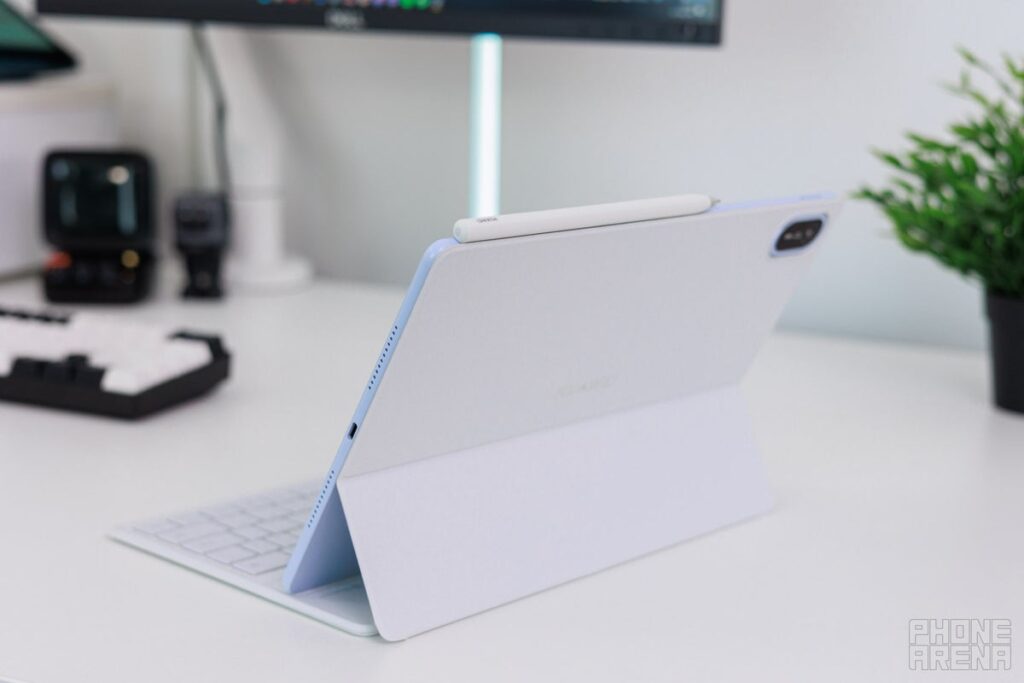
The first thing you notice about the MatePad Air is its slim and lightweight construction. Huawei has focused heavily on portability, making the tablet suitable for carrying to work, college, meetings or simply using around the house.The newer model measures around 5.3mm thick and weighs approximately 509g in some markets.
That combination is impressive for a tablet with a large 12-inch display and a 10,100mAh battery.
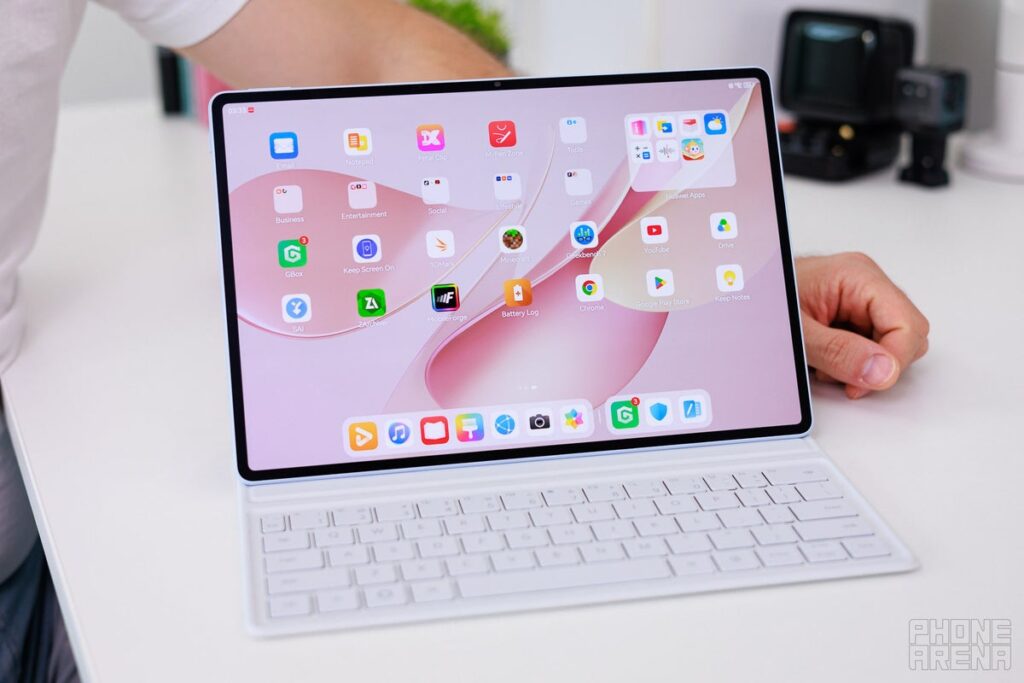
The metal construction gives it a premium feel, while the relatively thin profile makes it comfortable to hold for extended periods. Huawei also offers multiple colour options, giving the MatePad Air a more lifestyle-oriented appearance rather than the traditional business-tablet look.
For people who frequently travel with their tablet, the lightweight design is arguably one of its biggest advantages.
Display: One of the Biggest Reasons to Buy It
The display is arguably the star of the MatePad Air.
Huawei equips the latest version with a 12-inch OLED PaperMatte panel featuring a 2800 × 1840 resolution. The display supports a refresh rate of up to 144Hz and can reach up to 1,200 nits of peak brightness in supported conditions.
PaperMatte makes a difference
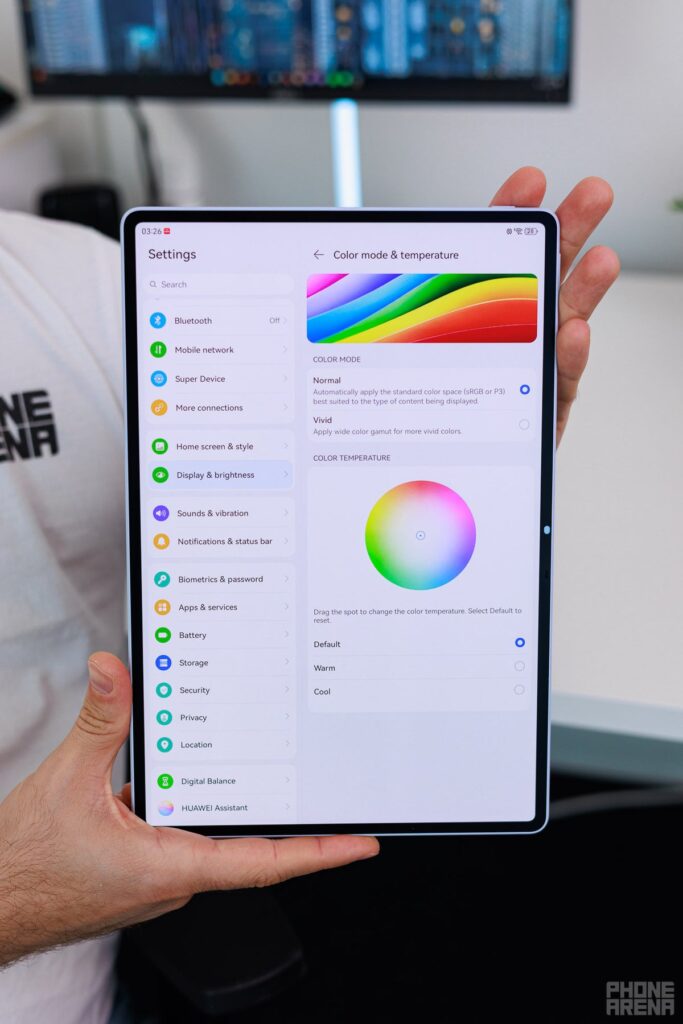
The PaperMatte treatment is designed to reduce reflections and provide a more paper-like surface. This can be particularly useful when reading documents, browsing websites or taking handwritten notes.
Huawei also promotes eye-comfort features and certifications for reduced blue light and flicker on supported versions.
The combination of high resolution, OLED technology and a high refresh rate makes the MatePad Air well suited to:
- Watching movies and TV shows
- Reading and browsing
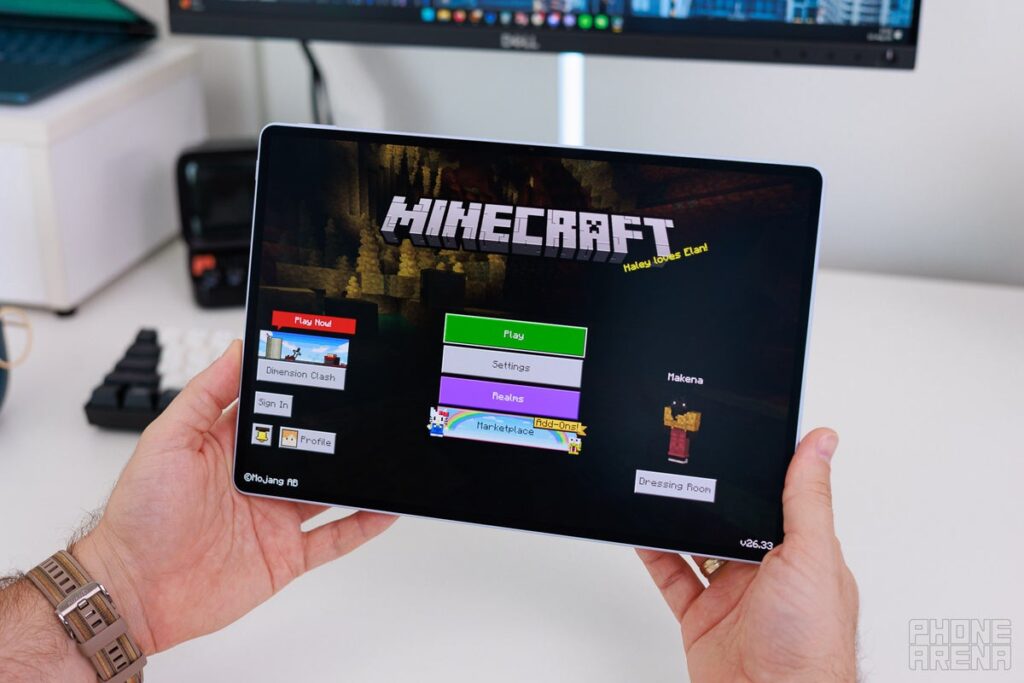
- Gaming
- Digital drawing
- Note-taking
- Office work
- Photo and video consumption
The 12-inch size also provides considerably more workspace than a typical smartphone or compact tablet.
Performance and Multitasking
Performance is another important part of the MatePad Air experience.
Huawei has positioned the tablet as a productivity-focused device capable of handling multitasking and demanding applications. The company also highlights its cooling architecture and improved thermal management on the latest model.
For everyday tasks such as web browsing, video streaming, document editing, note-taking and switching between applications, the tablet is designed to offer a smooth experience.
Its large display also makes multitasking more practical. Users can work with multiple applications or documents without feeling as constrained as they would on a phone.
However, buyers should remember that Huawei’s software ecosystem is different from Android tablets from Samsung, Lenovo and other manufacturers. App availability and compatibility should therefore be checked before purchasing, especially if you rely on specific Google services or Android applications.
HarmonyOS Experience
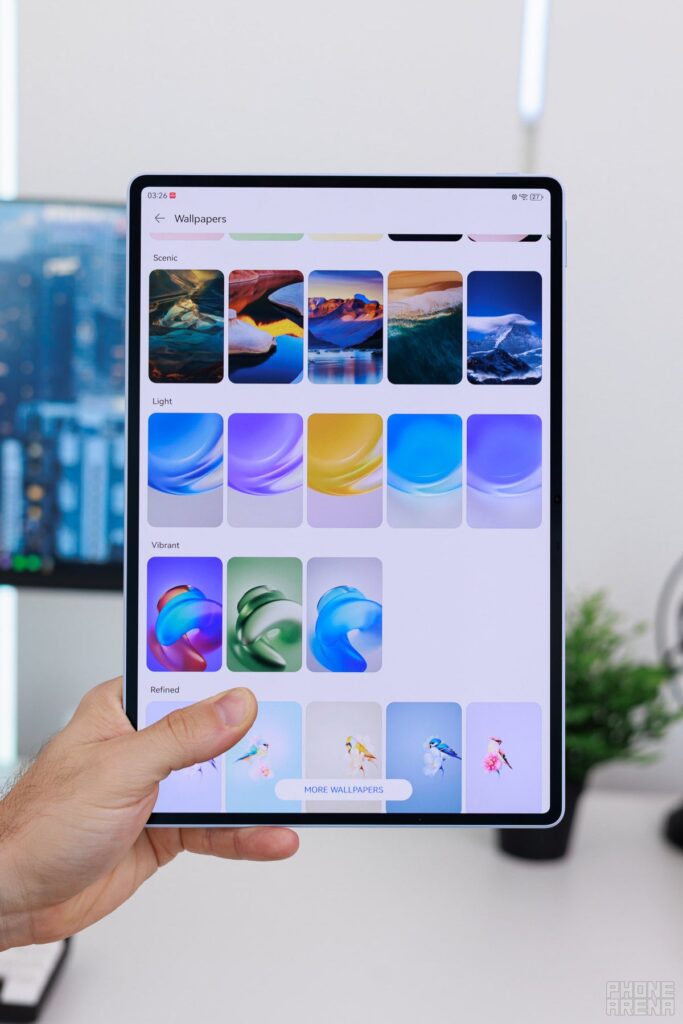
The MatePad Air runs Huawei’s HarmonyOS software platform, which is central to the overall experience.
Huawei has been developing its tablet software around productivity, multitasking and cross-device collaboration. Features such as split-screen usage, floating windows and PC-style workflows can make the large display much more useful.
For users already invested in Huawei’s ecosystem, this becomes an even bigger advantage.
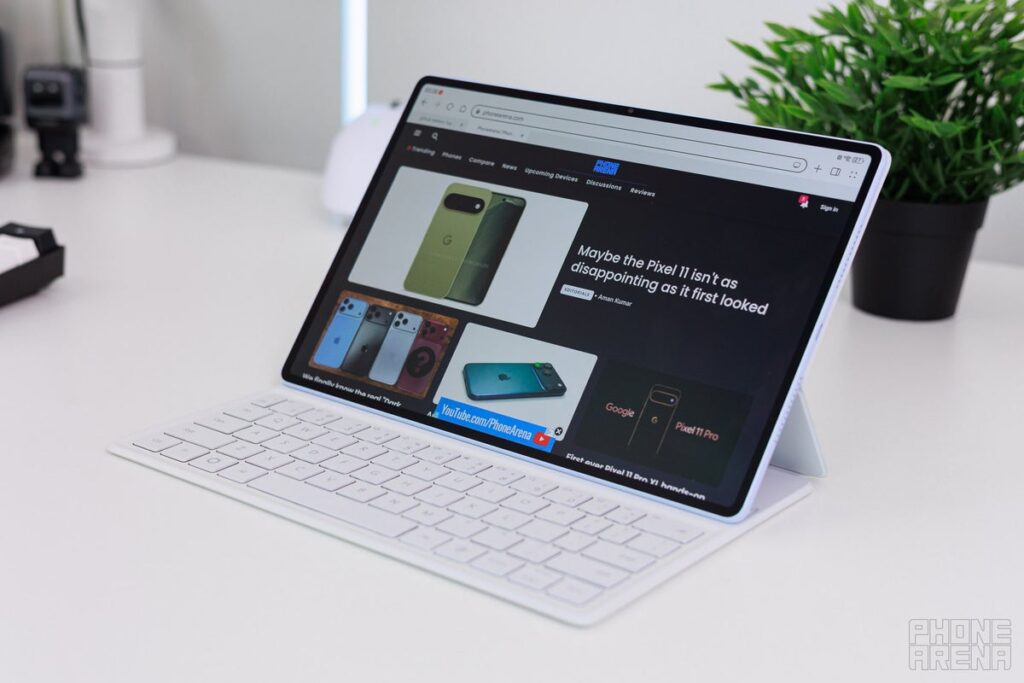
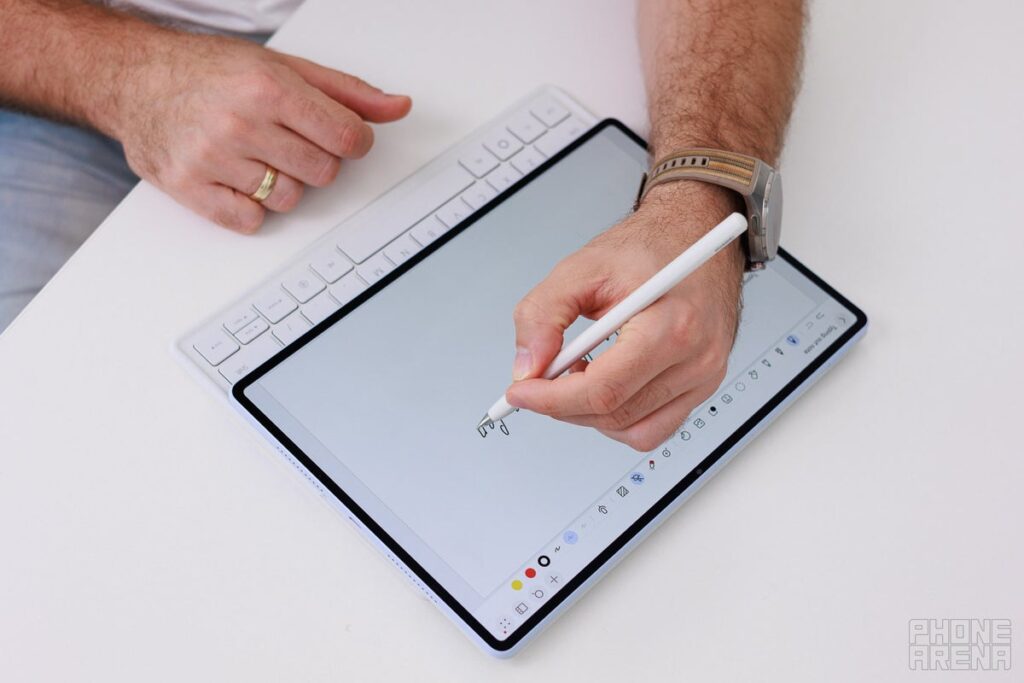
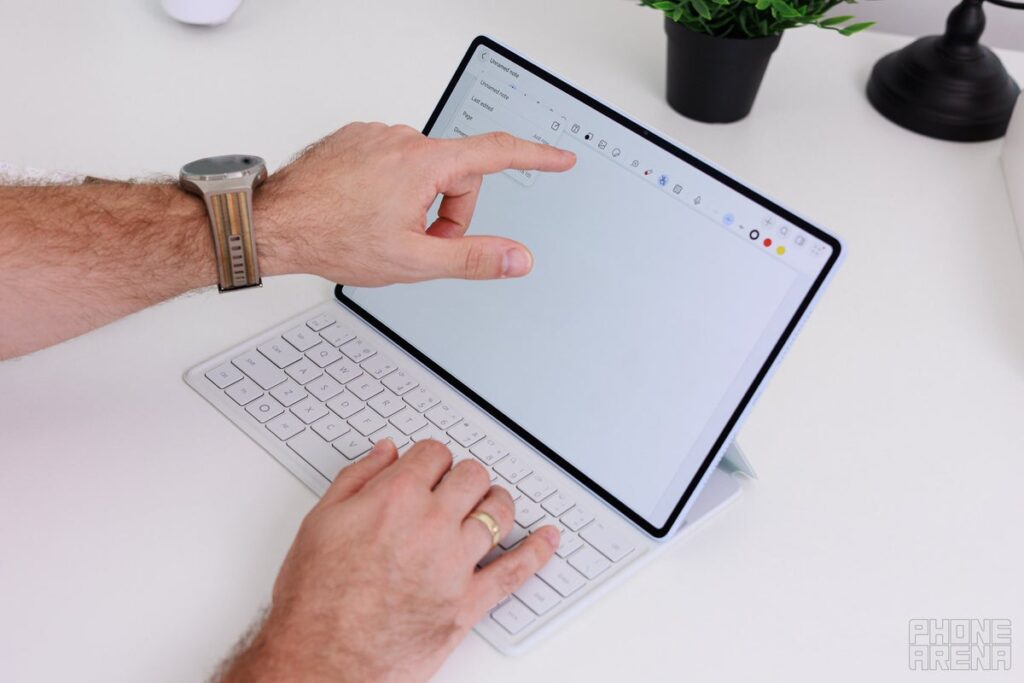
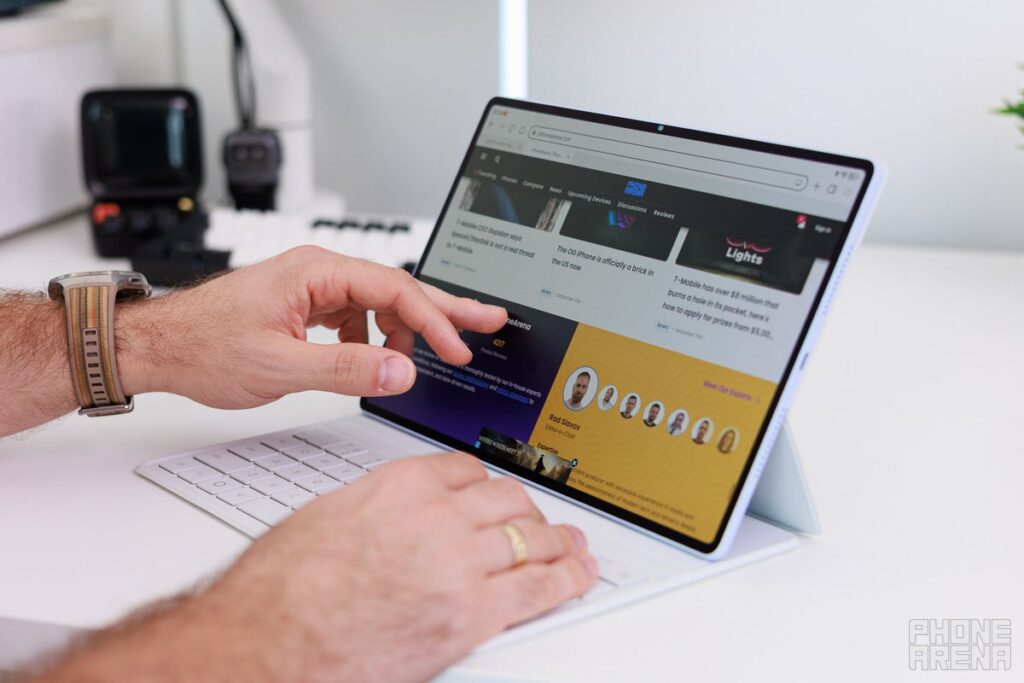
The company also supports accessories such as the Huawei M-Pencil Pro and Smart Magnetic Keyboard, depending on the market.
With a keyboard attached, the MatePad Air can become a lightweight alternative to a conventional laptop for basic productivity.
Battery Life and Charging
Battery life is another strong point.
Huawei lists a 10,100mAh battery for the MatePad Air, paired with support for up to 66W charging. The company claims the tablet can achieve a full charge in around 85 minutes under its specified testing conditions.
Huawei also claims up to 14 hours of local video playback on the latest model. Actual battery life will naturally vary depending on brightness, refresh rate, connectivity and workload.
For typical users, the large battery should make the MatePad Air comfortable for a full day of mixed usage.
Cameras
Tablets are rarely purchased primarily for their cameras, but the MatePad Air still offers capable hardware.
Huawei lists a 50MP rear camera with autofocus and LED flash, while the front camera is 12MP on the newer configuration listed by Huawei.
The front camera is more important for tablet users because video calls and online meetings are common use cases.
The rear camera can also be useful for scanning documents, photographing notes or capturing quick reference images.
Still, this is not a tablet you should buy as a replacement for a flagship smartphone camera.
Audio Quality
Huawei has equipped the MatePad Air with a six-speaker system and Huawei Sound branding.This is a major benefit for entertainment.
The larger chassis gives Huawei more room to create a fuller audio experience than you would typically get from a smartphone. Watching movies, listening to music or playing games can therefore feel considerably more immersive.
For users who frequently consume media without headphones, the speaker setup is one of the tablet’s more attractive features.
Productivity and Accessories
The MatePad Air becomes significantly more versatile when paired with Huawei’s optional accessories.
The M-Pencil Pro can turn it into a digital notebook for handwritten notes, sketches and creative work. Meanwhile, the Smart Magnetic Keyboard can make longer typing sessions more comfortable.
This makes the tablet appealing to:
- Students
- Writers
- Designers
- Digital artists
- Professionals
- Frequent travellers
- The key advantage is flexibility. You can use it as a traditional tablet when relaxing and transform it into a more productivity-focused machine when required.
Connectivity
The MatePad Air supports modern wireless connectivity, with Huawei listing Wi-Fi connectivity, Bluetooth 5.2, NearLink and USB 3.1 Gen 1 on the current specification page.Some regional versions also highlight Wi-Fi 7 support.
The exact connectivity options can vary by market, so buyers should check the specifications of the specific regional model before ordering.
Huawei MatePad Air 2026: Pros and Cons
Pros
- Slim and lightweight design
- Large 12-inch OLED PaperMatte display
- High 2.8K-class resolution
- Up to 144Hz refresh rate
- Large 10,100mAh battery
- Fast 66W charging
- Six-speaker audio system
- Strong productivity features
- M-Pencil Pro and keyboard support
- Premium-looking construction
Cons
- HarmonyOS app ecosystem may not suit everyone
- Google-service compatibility can be an important consideration
- Keyboard and stylus may cost extra
- Tablet cameras are not a substitute for flagship smartphone cameras
- Availability and specifications vary between regions
Huawei MatePad Air 2026: Who Should Buy It?
The MatePad Air makes the most sense for people who want a large-screen tablet without carrying something bulky.
It is particularly appealing if your priorities are display quality, portability, battery life, entertainment and productivity.
Students can use it for reading PDFs and taking notes. Professionals can use it for meetings and documents. Creators can pair it with the M-Pencil Pro for sketching and handwritten work. Travellers can take advantage of its relatively low weight and large battery.
However, users who depend heavily on Google’s ecosystem or specific Android applications should investigate app compatibility before making the purchase.
Verdict
The Huawei MatePad Air succeeds because it doesn’t try to be only one thing.
It is light enough to carry every day, large enough to replace a smaller laptop for basic productivity, powerful enough for everyday multitasking and equipped with a display that makes entertainment enjoyable.
The 12-inch OLED PaperMatte screen, 144Hz refresh rate, slim body, 10,100mAh battery and 66W charging give the tablet a compelling hardware package.
Its biggest limitation isn’t the hardware—it is the software ecosystem and app compatibility, particularly for buyers accustomed to Google’s services.
Overall, the Huawei MatePad Air is a super-likable lightweight tablet for users who value portability, a premium display and versatile productivity features. If Huawei’s ecosystem works for your needs, it deserves a place on your shortlist.
Frequently Asked QuestionsIs the Huawei MatePad Air good for students?
Yes. Its large high-resolution display, long battery life and optional stylus make it suitable for reading, note-taking, online classes and document work.
Does the MatePad Air support a stylus?
Yes. Huawei lists support for the M-Pencil Pro, although accessory availability can vary by market.
How big is the MatePad Air battery?
The latest specification lists a 10,100mAh typical-capacity battery with support for up to 66W charging.
Is the MatePad Air good for watching movies?
Yes. The large OLED display, high resolution and six-speaker system make it well suited to video streaming and entertainment.
Should you buy the Huawei MatePad Air?
If you want a thin, lightweight tablet with a premium display and strong battery life, the MatePad Air is an attractive option. Before buying, however, make sure HarmonyOS and the available apps support your particular workflow.